If you’re considering upgrading your home with smart technology, one of the biggest questions is: “How long does it actually take?”
Whether you’re planning a whole-home system or just starting with smart lighting and shades, understanding the process upfront can help you avoid surprises, stay on budget, and feel confident every step of the way.
At Hive, we walk Tampa homeowners through this journey every week. Here’s what a typical smart home project timeline looks like—broken down week by week.
Week 1: Discovery & Consultation
This is where your journey begins. We get to know your goals, lifestyle, and priorities:
- Walk-through of your home (in-person or virtual)
- Discussion of pain points (e.g., too many remotes, Wi-Fi dead zones, security concerns)
- Initial wishlist: lighting, motorized shades, AV, security, networking, automation
- Budget planning: defining scope + phased options
“We didn’t know what was possible until Hive walked us through it. They helped us think long-term while tackling what mattered most now.”
– Lisa M., Westchase
What you do: Think about how you use your home day-to-day. What do you wish felt easier, safer, more beautiful?
Week 2: Design & Proposal
After discovery, our team builds a custom system design tailored to your home:
- Floorplan review with smart zone recommendations
- Product selection (brands, finishes, control interfaces)
- Prewire planning (if new build or remodel)
- Phased roadmap (what gets done now vs later)
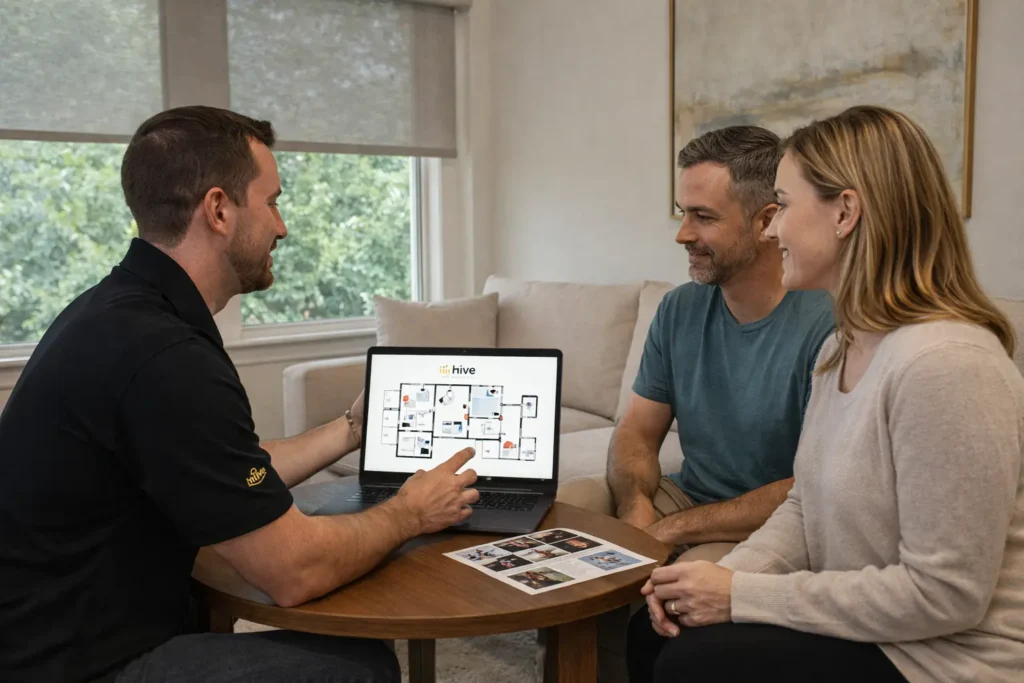
You receive:
- Detailed proposal with line items
- System diagrams and flow logic
- Estimated timeline and next steps
What you do: Review the plan, approve your package, and schedule your install.
Week 3: Prewire & Prep (if applicable)
If your home is in construction or undergoing renovation, this is when we install:
- Low-voltage cabling (for shades, audio, security, etc.)
- Conduit runs for future flexibility
- Structured panel placement for clean networking
For existing homes, this week may include:
- Power access assessment
- Device placement mapping
- Ordering product for next-phase install
What you do: Allow access for prewire team or prep for retrofit install.
Week 4–5: Equipment Installation
Now it starts getting exciting. Our certified techs install and test all your system components:
- Smart lighting keypads and dimmers
- Motorized shades and window treatments
- Audio/video gear: speakers, amplifiers, TVs, projectors
- Security: cameras, video doorbells, motion sensors
- Network: mesh Wi-Fi, rack, surge protection
What you do: Sit back and watch your home transform. We keep things clean, organized, and minimally disruptive.
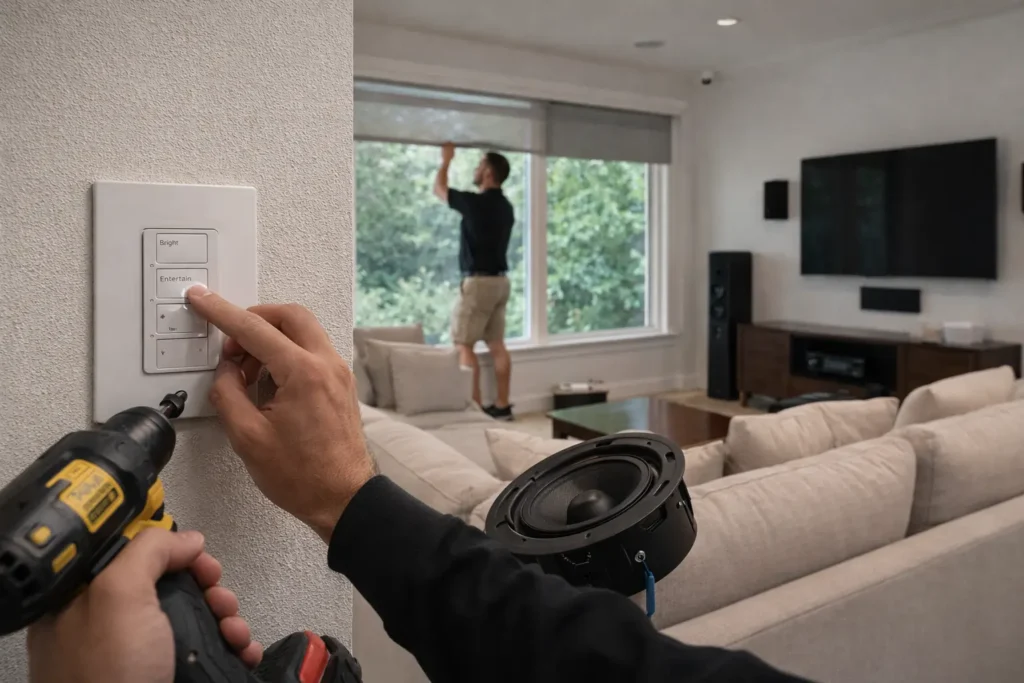
Week 6: Programming & Scene Creation
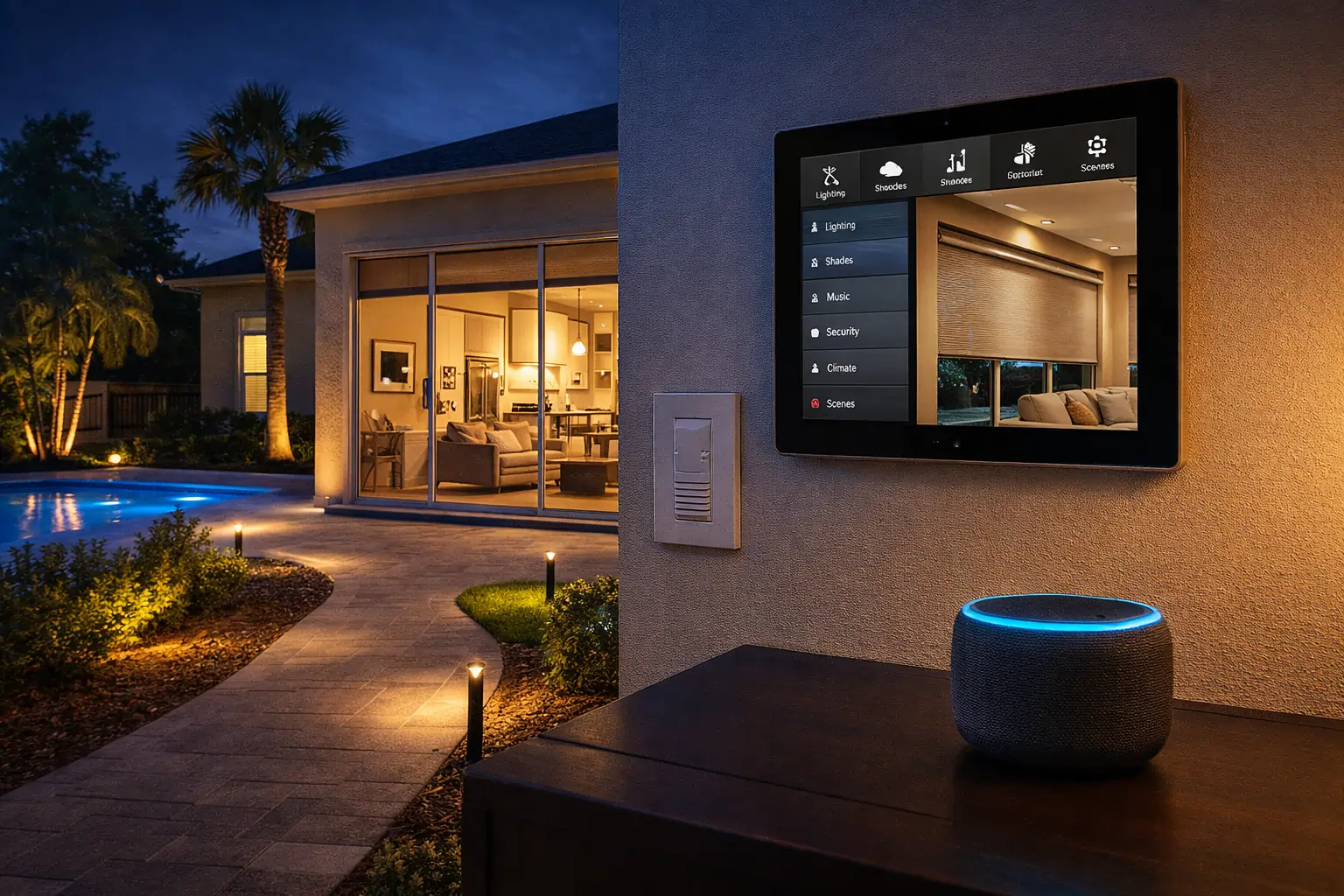
This is where your home starts to truly feel smart. Our team programs your system based on how you actually live:
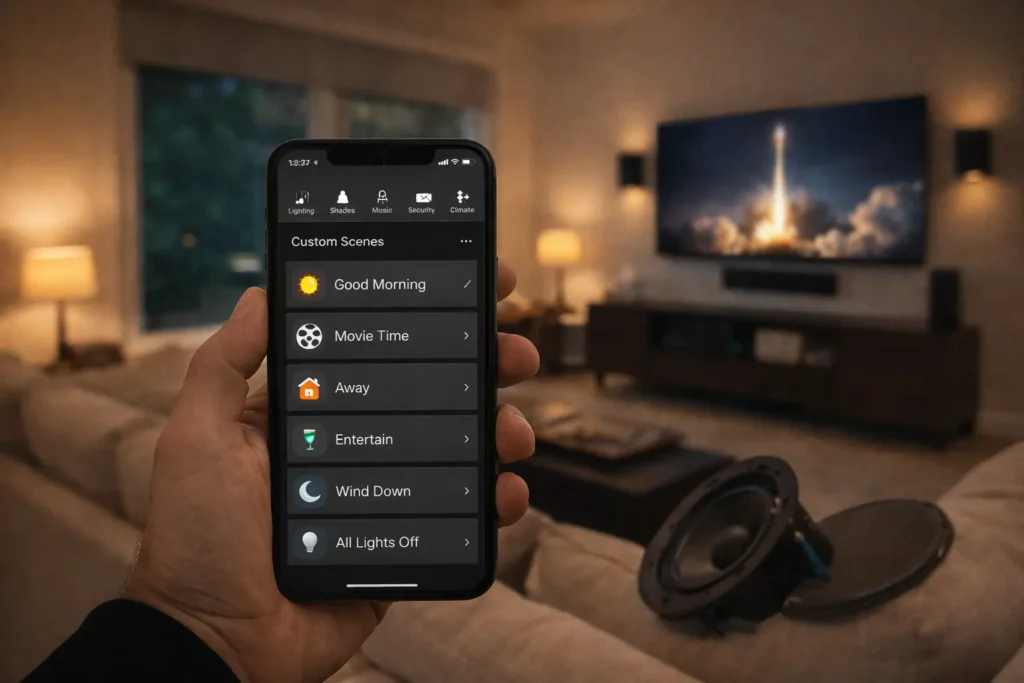
- Scenes: “Good Morning,” “Movie Time,” “Away,” “Entertain,” “Wind Down”
- App configuration for every family member
- Voice assistant integration (Alexa, Google, Siri)
- Time-based automation (sunset triggers, sleep modes, etc.)
“We loved that Hive didn’t just install things—they made it work for our routines. I didn’t have to figure out a single setting.”
– Mark D., Riverview
What you do: Test out scenes and let us know what needs to feel more intuitive.
Week 7: Final Walk-Through & Training
Once the system is tuned to your preferences, we schedule a full walk-through to ensure everything is perfect:
- Demonstration of all features and controls
- Review of app, voice, and remote interfaces
- Tips on troubleshooting and scene updates
- Warranty and service plan review
You get a smart home user guide customized for your system.
What you do: Ask questions, explore your system, and enjoy the benefits of a truly smart home.
Week 8+: Support & Future Expansion
We don’t disappear after install. Hive offers:
- Local tech support and maintenance plans
- Seasonal scene updates
- Future expansion planning (e.g., adding garage, guest house, etc.)
Your home can evolve with you over time.
“It felt like a partnership, not a one-time job. Hive made us feel like they were always just a call away.”
– Jasmine S., Lutz
Realistic Timeframes (By Project Type)
| Project Type | Typical Duration |
| Smart Lighting Only | 2–3 weeks |
| Motorized Shades (multi-room) | 3–4 weeks |
| AV + Networking Install | 4–5 weeks |
| Whole-Home Automation | 6–8+ weeks |
Custom builds or major remodels may vary based on contractor timelines.
Planning a Smart Home in Tampa? Start With a Conversation.
Whether you’re remodeling, building new, or simply ready to make your space smarter, we’re here to help you every step of the way.
Hive serves homeowners across Tampa Bay, including Hillsborough, Pinellas, and Pasco counties.
Book Your Free 15-Minute Smart Home Consult
Let’s map out your dream system, together.
Start My Project or Scheduled a Consultation.
FAQs
Q1: How far in advance should I plan my smart home project?
A: Ideally 4–6 weeks before your desired start date, especially if new construction is involved.
Q2: Can I phase the install over time?
A: Absolutely. We often help clients prioritize what to do now and what to add later.
Q3: What if I already have some smart devices?
A: We can often integrate your existing gear or upgrade it for better reliability and control.
Q4: Do I need to be tech-savvy to use my system?
A: Not at all. Our goal is to make your home more intuitive—not more complicated.
Q5: Is support included after install?
A: Yes. We offer local support, maintenance plans, and easy access for updates or changes.
Hive Smart Home
Smart Home Design | Automation | Shades | Audio | Lighting | Security
Your Local Experts in Smarter Living