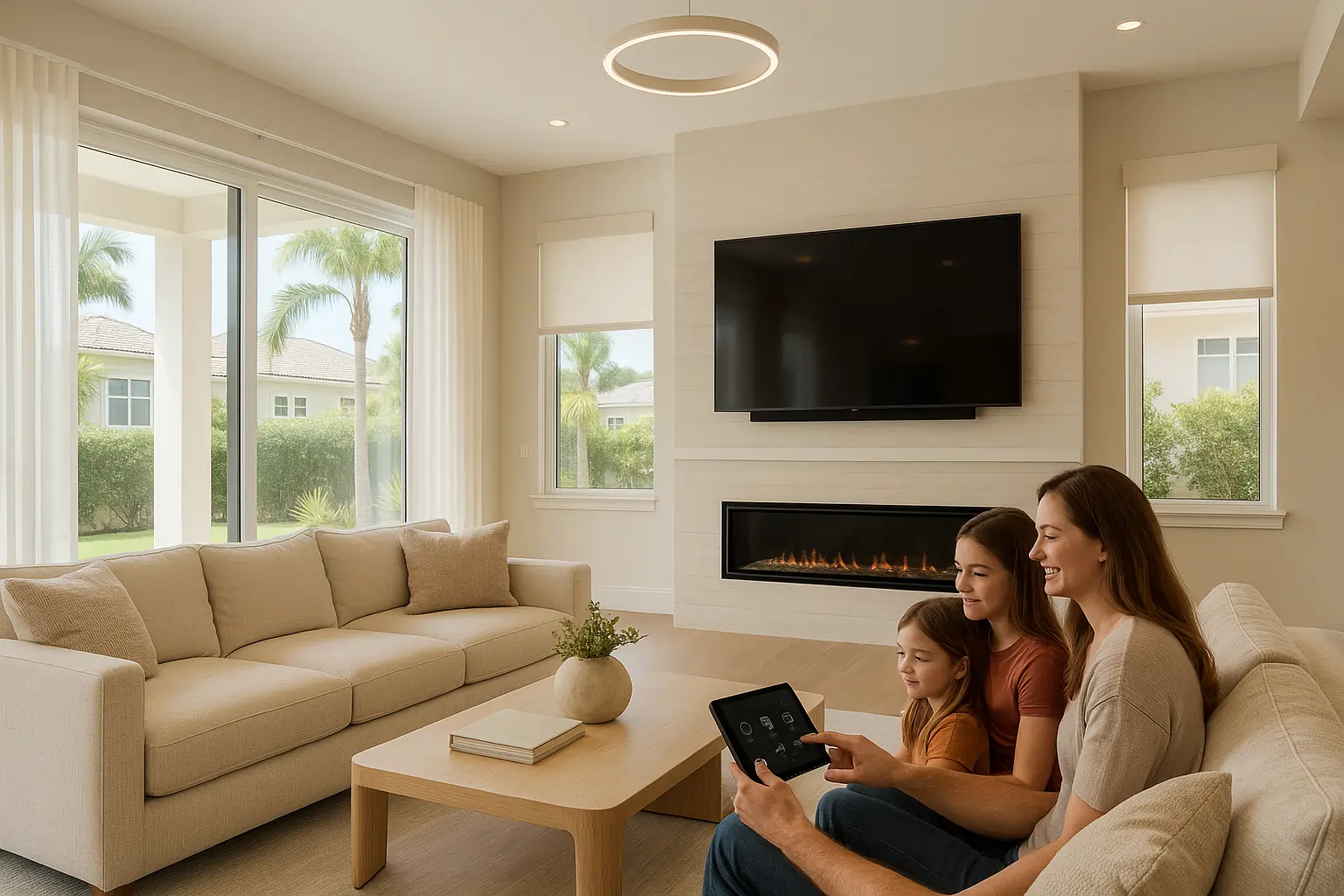
In Tampa, smart home installation has become more popular than ever, especially as homeowners try to follow TikTok “tech hacks” and YouTube tutorials. But in reality, most DIY setups we get called into are far from smart—they’re overcomplicated, unreliable, and more stressful than helpful. At Hive, we’ve seen everything from voice assistants that ignore commands to smart shades that drop in the middle of a conversation. This guide breaks down the top mistakes Tampa homeowners make when trying to build a DIY smart home and how to fix them.
But here’s the reality: most of the DIY smart homes we get called into aren’t smart at all. They’re over-complicated, unreliable, and more stressful than helpful. At Hive, we’ve seen it all—from voice assistants that ignore you to shades that drop mid-conversation. This guide walks you through the top 7 mistakes we fix every week in homes across the Tampa Bay area.
If you’re planning your first smart install or wondering why your “automated” home isn’t acting so smart, read on. You’ll probably see your setup in more than one of these.
1. Too Many Apps, No Unified Control
You wanted simplicity. But now your phone has six different apps just to control your lights, thermostat, cameras, and shades. And your partner’s apps don’t even sync.
Why this fails:
- Too much mental load
- No centralized scene control
- Guests and family members get confused or locked out
What Hive does instead: We unify everything under one system (like Control4 or Josh.ai). You get one app, one dashboard, and the ability to control your whole home with a tap or a voice command. Want the lights, music, and shades set for dinner? One button. Done.
2. Weak Wi-Fi + Too Many Devices = A Nightmare
You added cameras, doorbells, lights, speakers, sensors… but forgot to upgrade your network. Suddenly, your devices lag, disconnect, or just give up.
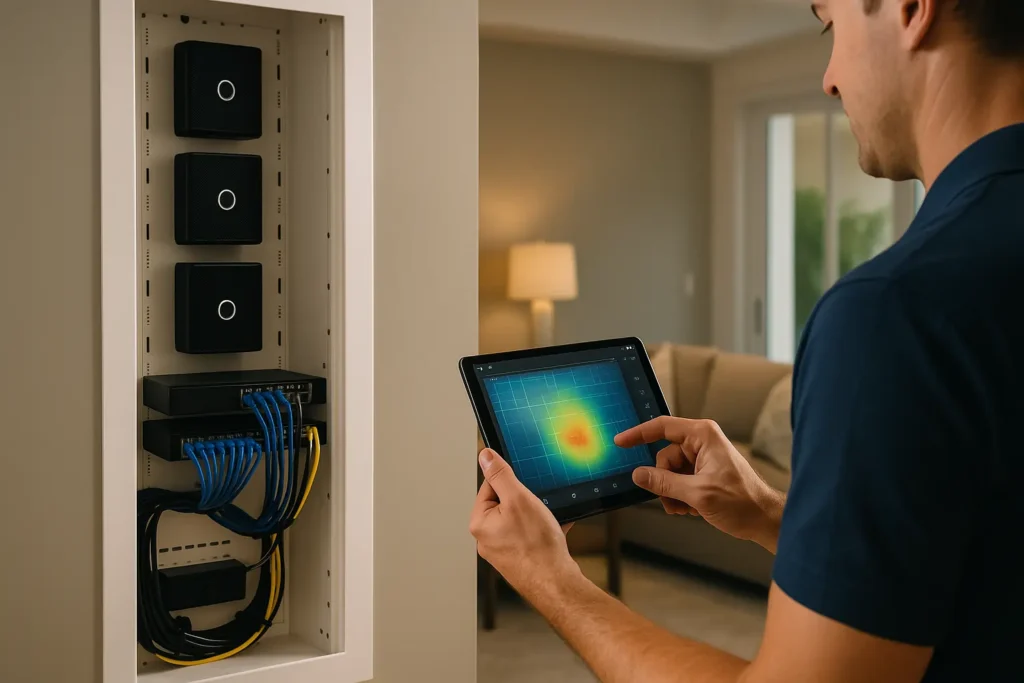
What goes wrong:
- Cameras freeze or go offline
- Audio drops in multi-room setups
- Smart assistants become dumb assistants
How we fix it: Hive builds rock-solid smart networks. We install enterprise-grade mesh systems, hardwire key devices, and segment bandwidth to keep everything fast and stable—even when your kids are on three streaming platforms at once.
3. Poor Power Planning = Visible Wires and Dead Devices
That camera on the porch? Plugged into an ugly extension cord. The smart shade? Dead battery every 6 weeks.
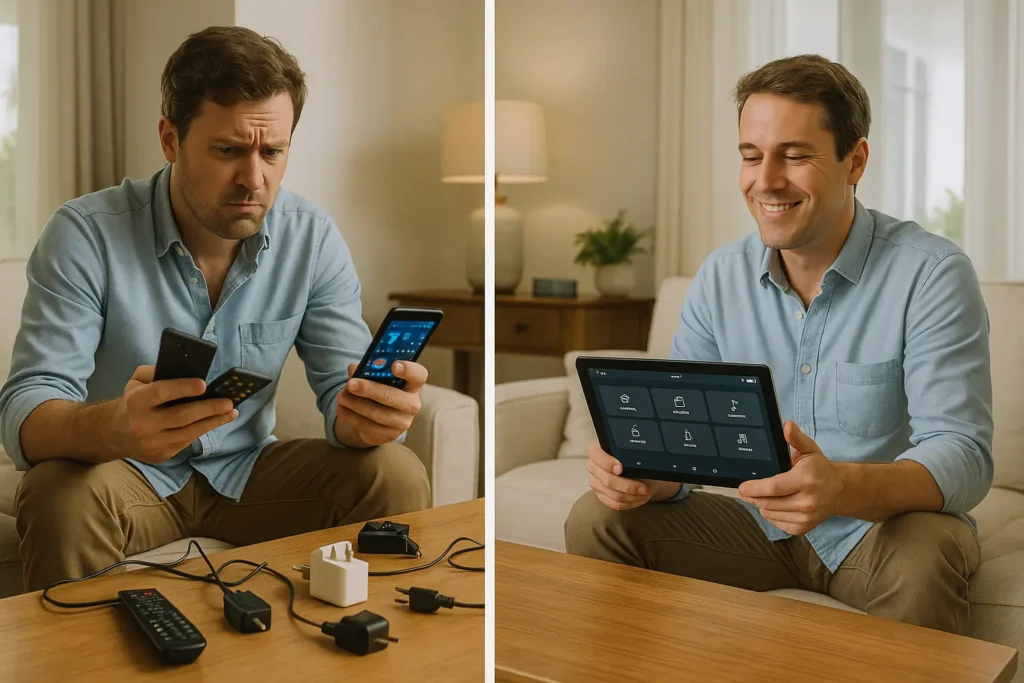
DIY setups often ignore one thing: power.
Hive solution:
- Prewiring during remodels or new builds
- Hidden battery packs in custom shade casings
- Flush wall plates and recessed outlets
Whether your home is 100 years old or brand new, we make the power disappear—and your tech shine.
4. Over-Automation That Backfires
Motion sensors everywhere. Shades that close at random times. Lights turning off when someone’s still in the room. Sound familiar?
Why it fails:
- Poor logic or limited sensors
- One-size-fits-all settings
- No human override
What Hive delivers: Scenes and automations that adapt to your lifestyle. Think:
- Morning routines that shift with sunrise
- Movie nights triggered by a single remote
- “Away” modes that simulate presence with randomized lighting
Smart doesn’t mean rigid. It means responsive.
5. Incompatible Devices Playing Nice (Until They Don’t)
Zigbee. Z-Wave. Wi-Fi. Thread. Bluetooth. It’s alphabet soup—and it only takes one rogue firmware update to break your entire chain.
We’ve seen it all:
- Garage doors that stop responding
- Scenes that half-fire
- Apps that just crash
Hive’s approach: We only install gear we’ve stress-tested together. Our tech stack is stable, upgradeable, and designed to last.
6. Security & Privacy Left Behind
DIY installs often come with real security risks:
- No two-factor authentication
- Weak passwords
- Public camera feeds or default settings
How we protect you:
- Encrypted local video storage (not just cloud)
- Role-based access control
- Locked-down networks
Peace of mind isn’t optional—it’s part of every Hive install.
7. No One to Call When It Breaks
You bought everything online. And now?
- Tech support = a chatbot or a 3-day email delay
- No one to fix that one thing that makes the rest useless
With Hive:
- You get a dedicated support team right here in Tampa
- Real humans. Real answers.
- Optional maintenance packages and system check-ins

“Hive didn’t just set it up and disappear. They stuck around, tuned it, and made sure it actually worked.” – Greg B., South Tampa homeowner
Thinking DIY? Think Again (or At Least Think With Us)
Smart homes can be life-changing. But only when they’re designed with your lifestyle, home layout, and tech ecosystem in mind.
We’re not against DIY—we just know there’s a better way:
- One system, not six
- Scenes that make life easier, not more annoying
- Support when you need it
And a smarter home you actually enjoy using.
Book Your Free 15-Minute Smart Home Consult
Don’t guess your way to a smarter home. Let us design one that works beautifully from day one.
Start My Project or Scheduled a Consultation.
FAQs
Q1: Can I start with DIY and call you later?
A: Absolutely. We can build on what you have or replace what’s not working. Absolutely. We can build on what you have or replace what’s not working.
Q2: Do you support gear I already bought?
A: If it’s compatible and worth keeping, yes. We’ll assess it honestly. If it’s compatible and worth keeping, yes. We’ll assess it honestly.
Q3: Is smart home stuff expensive?
A: It doesn’t have to be. We offer tiered packages and scalable options. It doesn’t have to be. We offer tiered packages and scalable options.
Q4: Do I lose control if Hive installs it?
A: Not at all. You stay in full control—we just make it work better. Not at all. You stay in full control—we just make it work better.
Q5: How long does an install take?
A: Depends on size, but most systems are live within a week. Depends on size, but most systems are live within a week.
Hive Smart Home
Smart Home Design | Automation | Shades | Audio | Lighting | Security
Your Local Experts in Smarter Living