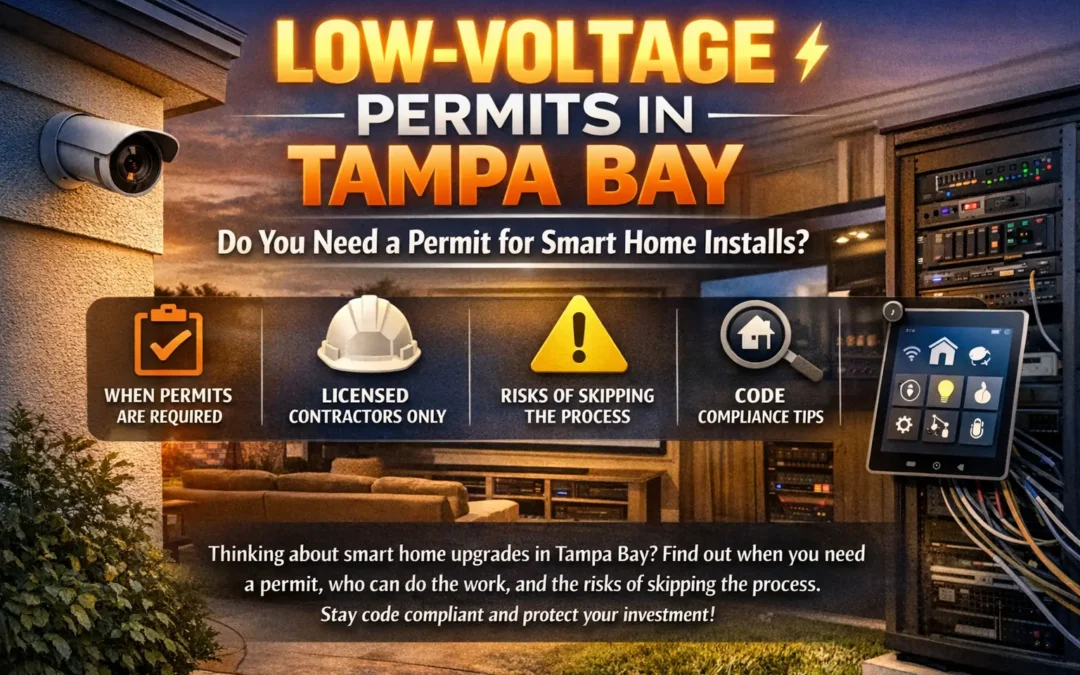
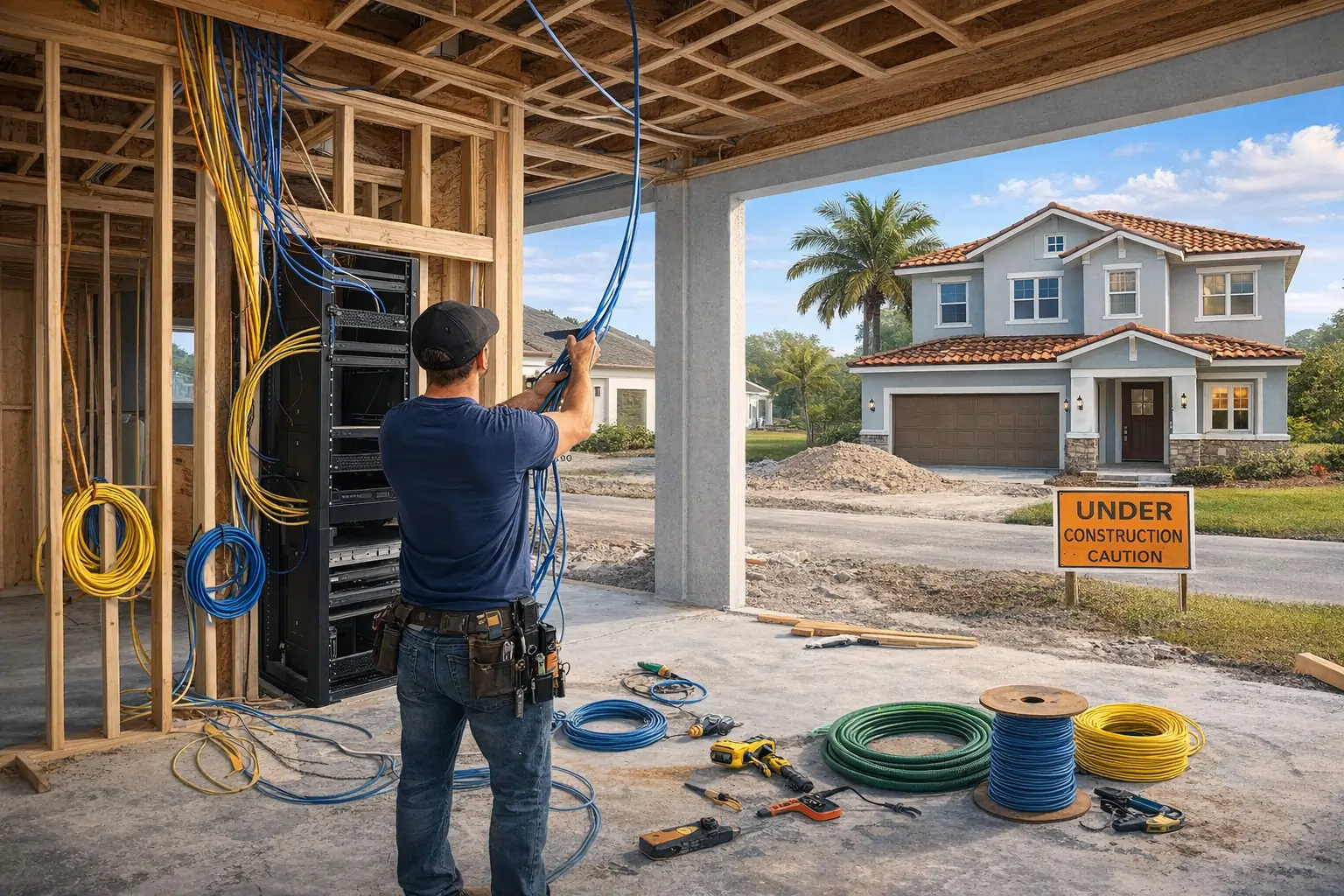
Building a new home in Tampa is the single best time to make it smart. Not because you need more gadgets, but because new construction gives you one advantage you’ll never get back later: open walls.
Once drywall goes up, adding wiring for speakers, cameras, access points, motorized shades, and a clean equipment rack becomes harder, more expensive, and often full of compromises. That’s why the smartest new-build homeowners (and the best builders) treat low-voltage planning like plumbing and electrical: it’s foundational.
This guide is a room-by-room prewire checklist designed for Tampa Bay new builds. It’s built to help you:
- Avoid expensive “we should’ve done this during framing” regrets
- Create a clean, scalable smart home infrastructure
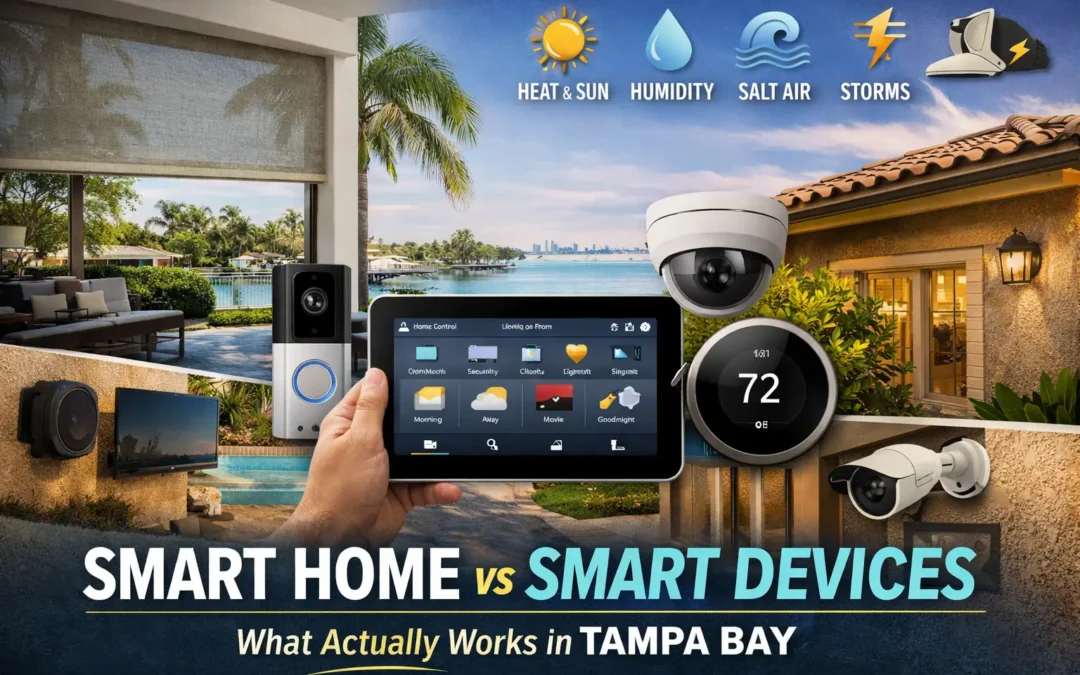
- Build for Florida realities: heat, humidity, storms, salt air, and heavy Wi-Fi demand
- Improve resale value with tech that feels premium and reliable
If you’re working with Hive, this also gives you a practical way to walk through your plans and prioritize what to wire now versus what can be added later.
First: The 4 Smart Home Foundations Every Tampa New Build Should Include
Before room-by-room wiring, make sure these are addressed. In Tampa, these foundations are what make the rest of the system stable.
1) Structured Wiring Panel / Equipment Rack Location
Choose a dedicated location for your “smart home nerve center.” This is where network gear, AV distribution, control processors, and camera recorders live.
Best locations:
- A conditioned closet (ideal)
- A utility room with ventilation
- A dedicated tech closet near the center of the home
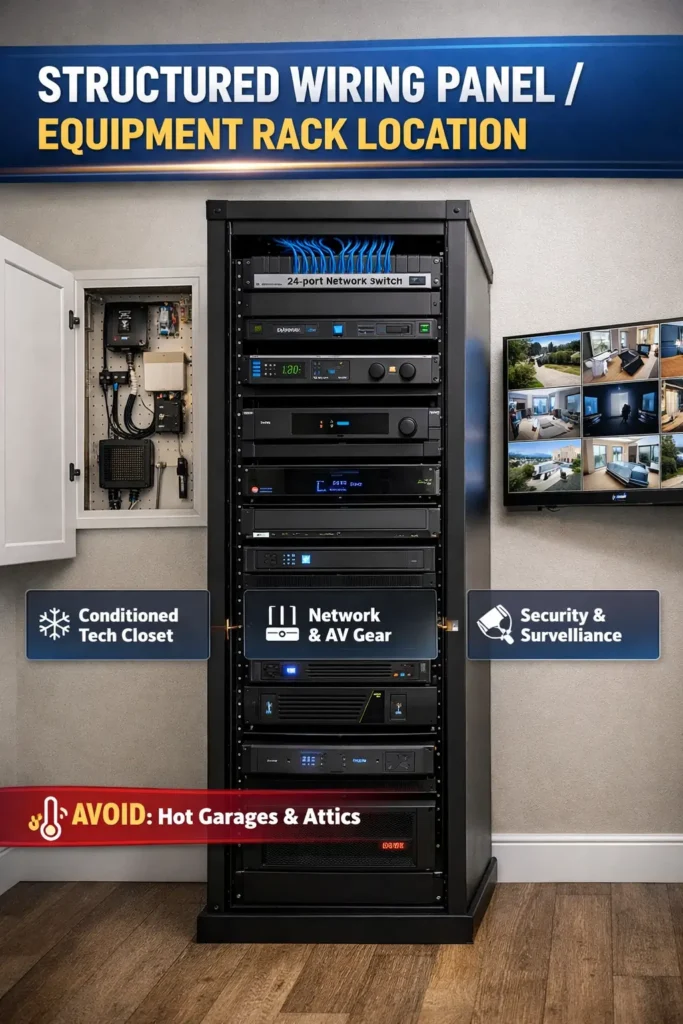
Avoid:
- Hot garages without ventilation
- Attics
- Laundry rooms with moisture exposure
2) Whole-Home Network Plan (Not Just a Router)
Most “smart home problems” are actually Wi-Fi problems. New builds should be wired for:
- Ceiling-mounted access points (wired)
- Hardwired drops to key rooms
- PoE capability (Power over Ethernet) where possible
3) Conduit for Future-Proofing
Conduit gives you flexibility when technology changes. Add conduit for:
- TV locations
- Projector locations
- Key outdoor camera runs
- From rack to attic (or accessible pathway) for future cable pulls
4) Surge Protection and Backup Power
Florida storms are real. Protect the network and smart systems with:
- Whole-home surge protection (electrical side)
- Surge protection for low-voltage rack
- UPS battery backup for router, switch, and control hubs
Room-by-Room Prewire Checklist for Tampa New Builds
Use this list during plan review and framing. If you do it now, your home will feel effortless later.
Entry, Foyer, and Front Porch
Prewire for:
- Video doorbell (power + data if possible)
- Smart lock (consider a clean power path for future hardware)
- Keypad location (for scenes like Away, Goodnight)
- Door contact sensors (if doing monitored security)
Nice-to-have:
- Camera covering driveway approach
- Path lighting control integration if doing landscape lighting
- Motion lighting zones for entry convenience
Why it matters in Tampa:
Front entry control is a major daily touchpoint. Good planning here makes the home feel premium and secure immediately.
Living Room / Great Room
Prewire for:
- TV wall: 2x Cat6 minimum, plus conduit for future HDMI/fiber
- In-ceiling speakers (if using architectural audio)
- Subwoofer line (if doing theater-lite setup)
- Shade power/control for large glass areas (especially west-facing windows)
- Wired access point if this is a central zone
Nice-to-have:
- Prewire for wall keypad near main entry to living zone
- Floor outlet for seating layouts (if appropriate)
- Window sensors if you want ventilation + HVAC logic later
Tampa-specific note:
Great rooms with large sliders and glass can overheat. Prewire for motorized shades now so comfort automation is easy later.
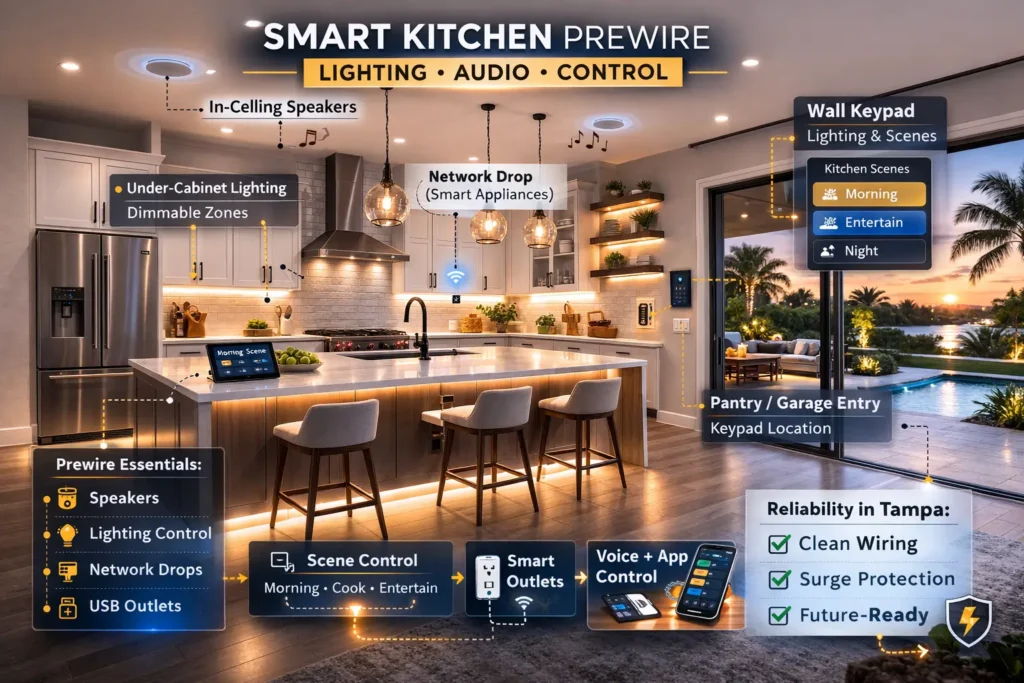
Kitchen
Prewire for:
- In-ceiling speakers for daily use
- Under-cabinet lighting power planning (if doing layered lighting scenes)
- Network drop near any built-in screens or smart appliances
- Keypad location near pantry/garage entry (often the most used door)
Nice-to-have:
- Cabinet lighting control wiring (cleaner than plug-in solutions)
- Touchscreen or tablet mount location (optional)
Why it matters:
The kitchen is where smart homes win or lose. Fast, reliable audio, predictable lighting scenes, and easy control make this room feel “smart” every day.
Dining Room
Prewire for:
- Chandelier dimming control (scene-based lighting)
- Speakers (optional, depending on usage)
- Keypad near entry to dining for Entertain scenes
Nice-to-have:
- Accent lighting zones (art, shelving, feature walls)
Primary Bedroom
Prewire for:
- Motorized blackout shades (power/control)
- Bedside lighting control (scene-friendly)
- TV drops if you have a TV wall
- Ceiling fan control integration (especially helpful for comfort)
Nice-to-have:
- Motion night lighting (low-level pathway lighting)
- Quiet scenes like Wind Down and Sleep Mode
Tampa-specific note:
Bedrooms benefit from automated light control and shade schedules. In Florida heat, blocking sun early improves comfort and reduces AC load.
Primary Bathroom
Prewire for:
- Exhaust fan automation option (timer or humidity-triggered control)
- Vanity lighting zones (scene-friendly)
- In-ceiling speaker (popular in primary baths)
Nice-to-have:
- Under-vanity night lighting
- Humidity sensor integration for comfort and mold prevention
Kids’ Bedrooms and Nursery
Prewire for:
- Blackout shades (especially for nurseries)
- Simple lighting scenes (Nap Time, Bedtime)
- Nightlight or low-level lighting zones
Nice-to-have:
- Door sensors if you want security or sleep-safe routines
Home Office
Prewire for:
- Two Cat6 drops at desk wall minimum (hardwire beats Wi-Fi)
- Shade power/control to reduce glare on screens
- Lighting zones for focus (cooler light) and evening (warmer light)
Nice-to-have:
- Ceiling access point nearby for stronger coverage in work areas
Why it matters in Tampa:
A stable network matters more than any device. If you work from home, wire this room properly.
Media Room / Home Theater
Prewire for:
- Surround sound speaker wire (5.1, 7.1, or Atmos layout)
- Conduit from rack to projector location (if using projector)
- Blackout shades (if windows exist)
- Dedicated Cat6 drops for streaming devices and control
- Subwoofer lines (one or more locations)
Nice-to-have:
- Star ceiling power option (design feature)
- Acoustic panel power planning (optional lighting)
Tampa-specific note:
In Florida, humidity and heat can affect AV spaces. Proper ventilation and clean rack planning matter.
Hallways and Staircases
Prewire for:
- Motion sensors for night lighting
- Step or toe-kick lighting (great safety upgrade)
- Keypad locations for zone-wide scenes
Nice-to-have:
- Camera coverage for stair landings (depending on security scope)
Laundry Room
Prewire for:
- Leak sensor location (water events happen here)
- Network drop if smart appliances are planned
Nice-to-have:
- Utility lighting zone control
Garage
Prewire for:
- Smart garage controller wiring
- Camera(s) covering garage interior and driveway
- Network drop if rack is nearby or if you’ll use garage as a connectivity pathway
Nice-to-have:
- EV charger planning (high-voltage, but coordinate early)
- Door contact sensors
Tampa note:
Garages get hot. If placing networking gear in or near a garage, plan for ventilation and protection.
Outdoor Living: Patio, Lanai, Pool Area
This is one of the biggest Tampa Bay differentiators. Outdoor living is not optional here, and the smart home should support it.
Prewire for:
- Outdoor speakers (patio + pool zone)
- Outdoor TV location (power + data + conduit)
- Landscape lighting control and zones
- Outdoor access point (wired) for reliable backyard Wi-Fi
- Camera coverage for pool, gates, and perimeter
Nice-to-have:
- Step and path lighting for safety
- Pool equipment integration planning (if applicable)
- Gate/entry sensor wiring
Coastal note:
Use weather-rated equipment and protect wiring paths. Salt air and moisture shorten device life if not planned correctly.
Perimeter Security and Cameras (Whole Property)
Prewire for:
- PoE camera drops at key corners and entry points
- Door and window sensors (if monitored system planned)
- Gate sensor wiring (if relevant)
Typical camera placement:
- Front door + driveway
- Side yard access paths
- Backyard/pool perimeter
- Garage door(s)
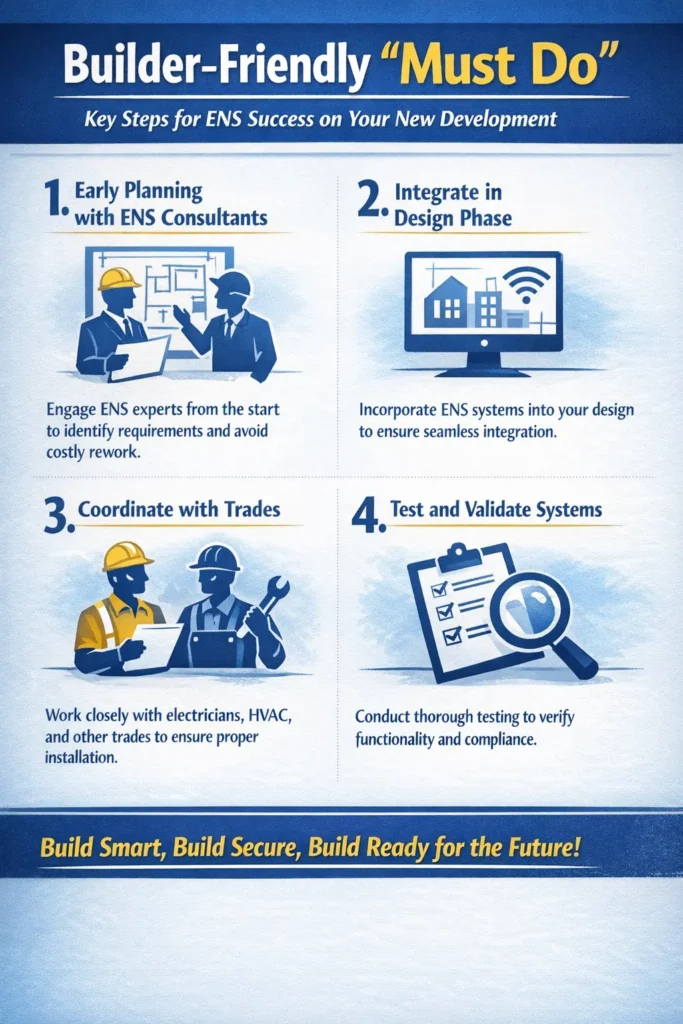
Builder-Friendly “Must Do” List (If You Only Do 10 Things)
If you want a fast, high-impact checklist, prioritize these:
- Choose a dedicated rack/structured panel location
- Run Cat6 to every TV location (minimum 2 drops)
- Wire ceiling access points for whole-home Wi-Fi coverage
- Add conduit from rack to key TV/projector locations
- Prewire for motorized shades on major sun-exposed windows
- Prewire for outdoor speakers and outdoor Wi-Fi
- Prewire for PoE cameras (front, rear, sides)
- Plan keypad locations for main entry points
- Include surge protection and UPS backup for the rack
- Label everything and document the wiring plan
What Most Tampa New-Build Homeowners Choose
Most new-build clients in Tampa Bay follow a smart, phased strategy:
Phase 1 (During Construction)
Network, prewire, conduit, cameras, shade power, keypads
Phase 2 (After Move-In)
Lighting scenes, audio zones, shading automation, AV integration
Phase 3 (Lifestyle Upgrades)
Outdoor entertainment scenes, advanced security logic, full-home control refinement
This approach keeps budgets controlled and avoids post-drywall headaches.
FAQs
Q1: What is included in a smart home prewire for a new build in Tampa?
A: A proper prewire typically includes Cat6 for TV walls and offices, ceiling access points, PoE camera drops, speaker wire for audio zones, shade power/control for key windows, conduit for future pulls, and a structured wiring panel with labeling and documentation.
Q2: How much does a smart home prewire cost in Tampa for a new construction home?
A: Most new-build prewire projects in Tampa range from $3,000 to $15,000 depending on square footage, number of drops, camera locations, audio zones, conduit, and the complexity of the structured panel and documentation.
Q3: When should I schedule low-voltage prewire during the build timeline?
A: The best time is after framing and before insulation and drywall. Ideally, plan it during the design phase so device locations, conduit paths, and rack placement are confirmed before electrical rough-in.
Q4: Do I need conduit in a Tampa new build, or is Cat6 enough?
A: Cat6 is essential, but conduit is what future-proofs the home. Conduit from the structured panel to TV locations, projector locations, and attic pathways prevents expensive wall opening later when technology changes.
Q5: How many Cat6 drops should I run per room for a future-proof smart home?
A: Minimum one per bedroom, two per TV wall, and two to four for home offices and media rooms. Add dedicated Cat6 runs for ceiling access points, doorbell locations, and any place you may want a touchscreen or control keypad.
Q6: What is the best Wi-Fi setup for Tampa new builds with stucco or block construction?
A: A wired access point design is best. Most Tampa homes perform best with one ceiling access point per 1,000–1,500 sq ft, hardwired back to the network rack, instead of relying on a single router or consumer mesh nodes.
Q7: Should I hardwire security cameras in a new build or use wireless cameras?
A: Hardwired PoE cameras are the best choice for new construction. They are more reliable, don’t rely on Wi-Fi, support better video quality, and avoid battery maintenance. Wireless is better for temporary or small retrofits, not new builds.
Q8: Is it worth prewiring for motorized shades in Tampa, even if I install shades later?
A: Yes. Prewiring for shades is one of the best Tampa-specific upgrades because it improves heat control, reduces glare, and avoids frequent battery charging. Even if you install shades later, prewire keeps your options open for hardwired reliability.
Q9: What smart home features increase resale value the most in Tampa new builds?
A: Buyers notice stable Wi-Fi coverage, smart lighting scenes, outdoor lighting, integrated security cameras, motorized shades on large windows, and a clean structured panel. These features signal a well-built home and reduce “future upgrade” cost for buyers.
Q10: Can Hive coordinate smart home prewire with my builder and electrician?
A: Yes. Hive coordinates low-voltage wiring alongside your builder’s schedule, works cleanly around the electrical scope, documents all drops, and ensures panel placement, conduit routes, and device locations are aligned before drywall.
Book a Smart Home Prewire Consultation in Tampa Bay
If you’re building a new home in Tampa, Hive can review your plans, recommend wiring locations, coordinate with your builder, and ensure your smart home infrastructure is clean, scalable, and built for Florida conditions.