If your smart home “randomly” stops working in Tampa, it’s almost never random. The lights don’t respond, the doorbell camera lags, the music cuts out, and Alexa suddenly acts like she’s on vacation. Most homeowners blame the device. In reality, the problem is usually the same:
Your Wi-Fi network was never designed to run a smart home in a Florida house.
Tampa homes have a unique mix of challenges—stucco and block construction, larger floorplans, outdoor living spaces, high device counts, and storm season power events. Add in streaming, gaming, remote work, and smart security, and most off-the-shelf router setups simply can’t keep up.
This guide explains why your smart home keeps dropping and what actually fixes it..
The “Smart Home Dropping” Problem Is Usually a Network Design Problem
A smart home is not one device. It’s dozens of devices running at once:
- Cameras constantly uploading video
- Smart TVs streaming 4K content
- Phones, tablets, laptops, and work devices
- Smart locks, doorbells, sensors, and hubs
- Thermostats, shades, lighting systems, audio zones
- Outdoor gear on patios, pool decks, and garages
Most consumer routers are built for “normal use,” not an always-on system with 40–100 connected devices. When your network hits its limit, symptoms appear as “device issues” even though the root cause is Wi-Fi performance and stability.
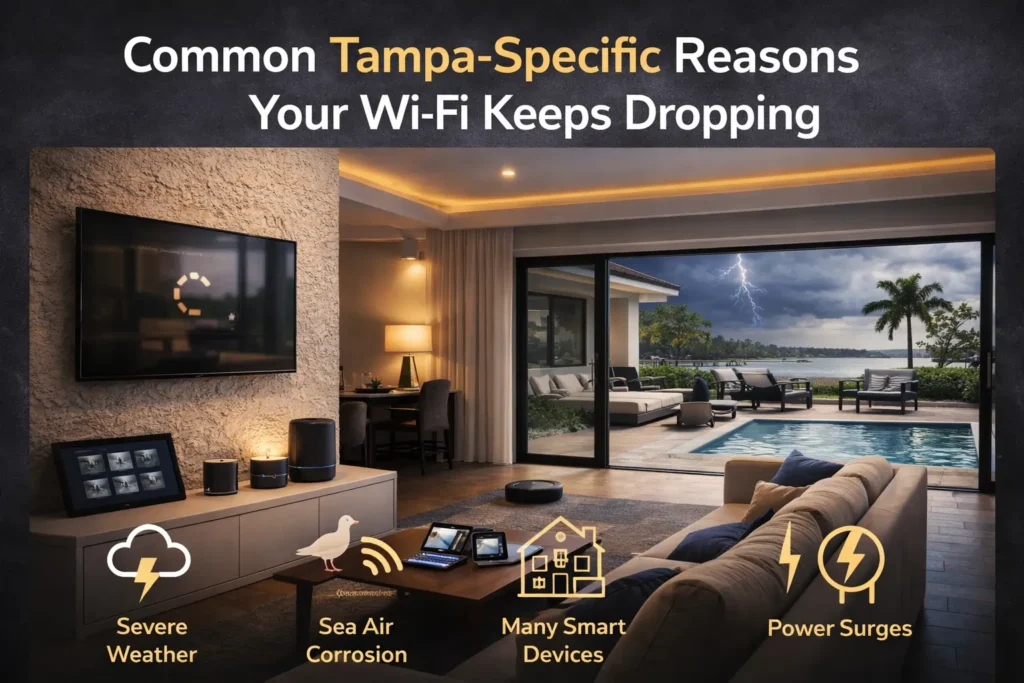
Common Tampa-Specific Reasons Your Wi-Fi Keeps Dropping
1) Construction Materials That Block Signal
Many Tampa homes use materials that reduce signal strength:
- Stucco exteriors
- Concrete block walls
- Metal mesh in walls
- Older plaster construction in historic areas
- Dense insulation
This creates dead zones, weak signal rooms, and inconsistent performance—especially in offices, upstairs bedrooms, and garages.
2) One Router Can’t Cover a Real Home
A single router in the living room (or worse, a closet) is not a Wi-Fi plan. Most homes need multiple access points placed strategically, not a “hope it reaches” approach.
3) Outdoor Living Spaces Need Dedicated Coverage
Tampa homes often have:
- Lanais
- Pool decks
- Patios
- Outdoor kitchens
- Detached garages
These spaces are typically far from the router and separated by exterior walls that weaken signal. If you want reliable outdoor music, cameras, or Wi-Fi by the pool, the network must be designed for it.
4) Too Many Devices on One Network
Smart devices create constant background traffic. Add cameras and you may have multiple high-bandwidth streams running 24/7. Many routers struggle with the device count long before they struggle with speed.
5) Interference From Neighbors and Nearby Networks
In dense neighborhoods, your network is competing with dozens of nearby Wi-Fi signals. Channel congestion in the 2.4 GHz band is especially common.
6) Poor Placement of Mesh Nodes
Mesh systems can help, but only when installed correctly. Common mistakes include:
- Placing a mesh node in a dead zone (it can’t “create” signal)
- Using wireless backhaul when wired is needed
- Too many nodes too close together (creates interference)
- Mixing different brands or generations of gear
7) Power Events and Storm Season Instability
Power flickers, surges, and brief outages can crash routers, switches, and modems. If your system reboots frequently, your smart home devices may fail to reconnect cleanly, leading to “stuck” devices.
How to Diagnose Your Wi-Fi Problems (Quick Homeowner Checklist)
Before upgrading anything, identify what’s actually happening. Ask:
- Does the issue happen in one area or everywhere?
- Do devices drop mostly at night or during peak usage?
- Do cameras buffer or go offline more than other devices?
- Is the office or upstairs always weaker?
- Does it get worse outside (lanai/pool/garage)?
- Does rebooting “fix it” temporarily?
- Do problems spike after storms or power flickers?
If you answered yes to several of these, the issue is almost certainly your network design, not your devices.
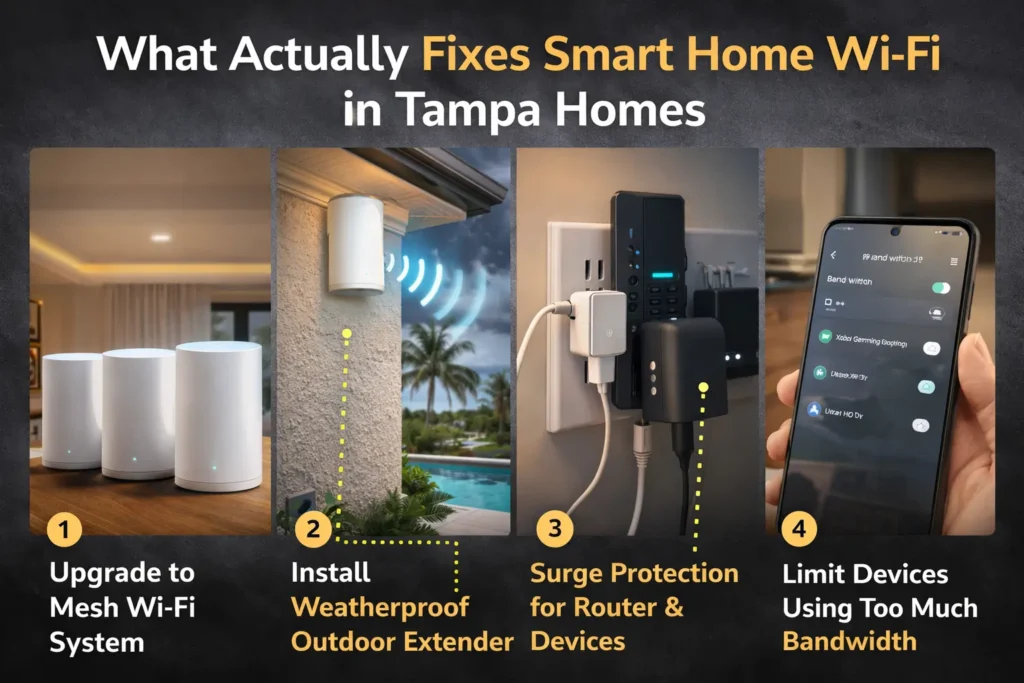
What Actually Fixes Smart Home Wi-Fi in Tampa Homes
1) Build a Network Around Your Home Layout (Not the Router Box)
The right solution starts with a site assessment:
- Square footage and floorplan
- Wall materials and signal barriers
- Where you work and stream the most
- Where cameras and outdoor gear are placed
- Where your internet feed enters the home
This determines where access points should go and where wiring is needed.
2) Use Wired Access Points (Not Just “More Wi-Fi”)
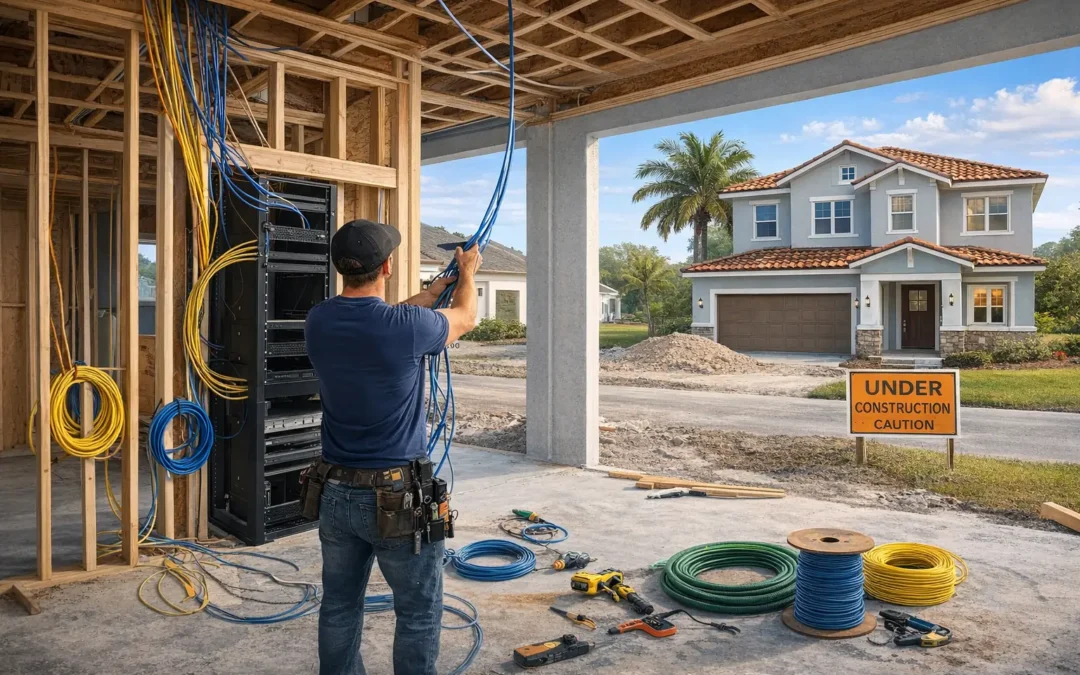
For stability, wired access points are the gold standard. Instead of relying on a single router or purely wireless mesh, Hive designs networks using:
- A core router/firewall
- A managed switch
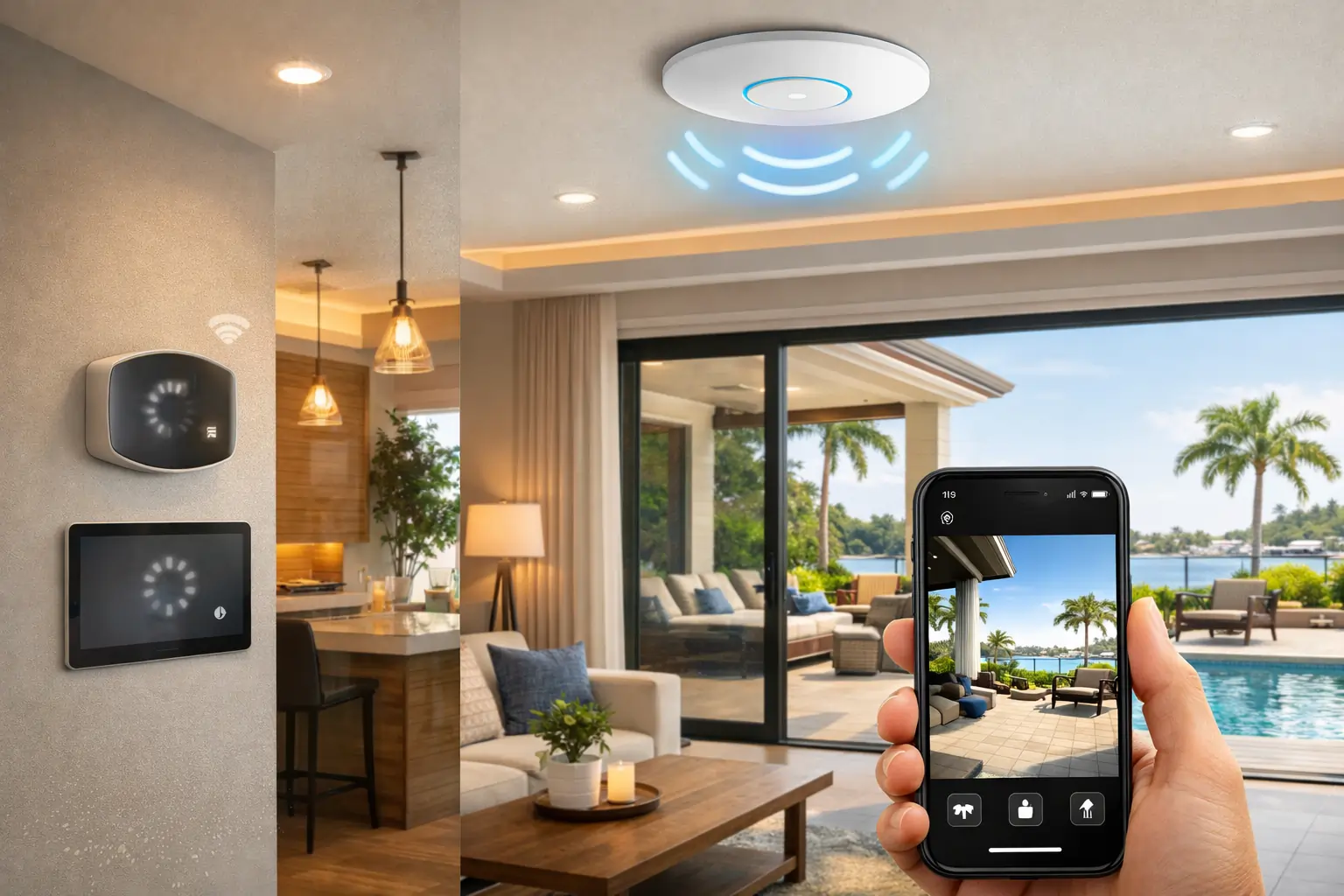
- Wired ceiling or wall access points (placed intentionally)
This improves speed, roaming, and reliability across the entire home.
3) Hardwire High-Impact Devices
Some devices should not be Wi-Fi-dependent when you want reliability:
- TVs and streaming devices
- Work computers (especially in home offices)
- Security cameras (PoE preferred)
- Smart home hubs and control processors
- Outdoor access points
Hardwiring reduces Wi-Fi congestion and improves overall stability.
4) Create a Smart-Device Network Segment
One of the biggest stability upgrades is segmentation:
- A dedicated network or VLAN for smart devices
- Separate network for personal devices and guest use
- Correct DNS and device discovery settings
This prevents one category of traffic from breaking the other and improves security.
5) Fix the 2.4 GHz Problem
Many smart devices use 2.4 GHz because it has better range. But it’s also the most congested band. A proper setup includes:
- Channel planning
- Access point tuning
- Correct band steering
- Avoiding “auto” settings that cause constant re-optimization
6) Add Surge Protection and Battery Backup
A smart home is only as stable as its power. Hive commonly installs:
- Surge protection for networking gear
- UPS battery backup for modem/router/switch
- Clean reboot strategies after outages
This prevents the “storm reset” cycle that causes devices to drop for days.
What a Proper Tampa Smart Home Network Looks Like
Most high-performing Tampa networks include:
- One main router/firewall
- One rack or structured panel location
- A managed switch (often PoE)
- Two to five wired access points depending on size
- One outdoor access point for lanai/pool areas (if needed)
- Wired drops to key rooms (office, media, TV walls)
- PoE cameras wired back to the rack (optional but recommended)
- Battery backup and surge protection
This is how you move from “Wi-Fi that works sometimes” to “a smart home that just works.”
Why This Matters More Than Ever in 2025
Device counts are increasing. Cameras are higher resolution. Streaming is heavier. AI features are pushing more real-time data. If you’re building your system on a weak network, you’ll keep buying devices and never feel satisfied.
A properly designed network is the best smart home investment you can make, because it improves everything that sits on top of it—lighting, shades, audio, security, and future upgrades.
How Hive Solves Smart Home Wi-Fi Issues in Tampa
Hive approaches Wi-Fi like infrastructure, not a gadget purchase.
Our process typically includes:
- Network assessment and coverage mapping
- Device count review and bandwidth planning
- Wired access point design and placement
- Structured panel or rack configuration
- Segmentation for smart devices and guest access
- Installation, tuning, and post-install verification
- Optional ongoing support and maintenance
The end result is a home where devices respond instantly, cameras stay online, and the system remains stable through real Tampa conditions.
Book a Tampa Smart Home Wi-Fi Assessment
If your smart home keeps dropping, we can identify the root cause and recommend a solution that fits your home and your goals.
Hive serves Hillsborough, Pinellas, and Pasco Counties. Schedule a consultation or Start My Project .
FAQs
Q1: Why does my smart home keep disconnecting even though my internet speed is high?
A: Speed and stability are different. Many Tampa homes have fast internet but poor Wi-Fi design. Dead zones, interference, and router overload can cause devices to drop even with strong speed tests.
Q2: Is mesh Wi-Fi enough for a smart home in Tampa?
A: Sometimes, but not always. Mesh can work for small layouts, but larger or block/stucco homes usually need wired access points for consistent coverage, especially for cameras and outdoor spaces.
Q3: How many access points does a typical Tampa home need?
A: Many homes need one access point per 1,000–1,500 square feet, depending on wall materials and layout. Outdoor areas may require a dedicated outdoor access point for stable coverage.
Q4: What’s the best Wi-Fi setup for smart security cameras in Florida?
A: Hardwired PoE cameras are the most reliable. They avoid Wi-Fi congestion, handle heat and storms better, and provide consistent performance for recording and remote viewing.
Q5: Should smart devices be on a separate network?
A: Yes, in most cases. Separating smart devices from personal devices improves reliability, security, and performance. It also reduces the chance that streaming or work traffic disrupts automation.
Q6: How much does it cost to fix Wi-Fi issues in a Tampa smart home?
A: Costs vary by size and scope. Many projects range from a few thousand dollars for improved coverage to more for full structured wiring, access points, racks, and PoE camera support. Hive provides an assessment and a clear plan before installation.
Q7: What should I upgrade first if I’m on a budget?
A: Start with the network foundation: proper access point placement, a better router, and wiring key zones like the office and TV wall. That alone often fixes most smart home drop issues.
Q8: Can Hive improve Wi-Fi without opening walls?
A: Yes. We can often use existing wiring paths, attic routes, and retrofit solutions to install access points cleanly. When wiring is needed, we recommend the least disruptive options.